Who it is for
Lazy Cards is made for people who have a list to remember: vocabulary, dates, technical terms, species names, times tables.
What it does
- Revision that organises itself. You tap a card to flip it, then swipe it onto a pile: « I know it », « Almost » or « Not yet ». The app decides when each card comes back, and only offers what is due today.
- Sessions that fit your time. Short, medium or long, depending on the time you have. Each deck can also be gentler or more demanding.
- Cards written or imported. You write your cards one at a time, or you import a whole deck from a CSV file, a markdown file or pasted text: the app works out the shape on its own, whether it is a table, headings, a list or one card per line. You see the first cards before importing, and a duplicate card is only kept once.
- Ready-made decks. A library that comes with the app: chemical elements, hiragana and katakana, times tables, first words in Spanish, the radio alphabet. A deck you add is yours, you can edit it.
- See where you stand, with no score. Each deck shows its cards in rows, from « to learn » to « mastered ». No mark, no percentage.
- A drawing for each deck. You pick one from the gallery, or draw your own, in pixels. At the end of each session, a small pixel scene is waiting for you.
- Decks that are easy to find. The deck you pin stays at the top of the home screen. In a big deck, a search finds a card by its front or its back.
- Nothing gets lost. A deck exports as text or as CSV, opens in a spreadsheet and imports back as it was. A deleted deck stays in the bin for thirty days.
- Fully offline.
What it does not do
- No spaced repetition to tune. You only choose whether a deck is gentle, normal or demanding.
- No score and no mastery percentage. You see what has stuck and what has not, with no performance graph.
- No reading aloud. The app does not speak the cards, foreign languages included.
- No import wired to another service. The app reads your files, it does not depend on any platform that can shut down overnight.
- No syncing between devices. Decks live on the phone.
- No account, so no remote recovery. Exporting doubles as your backup.
- No iPhone version. Android only.
- No advertising, ever.
What it looks like
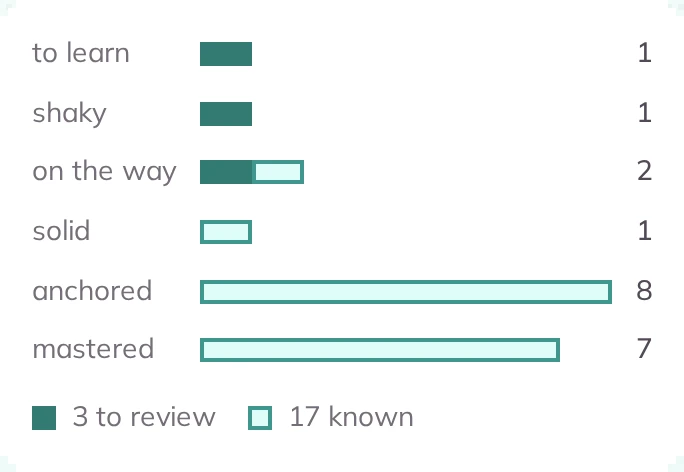
-
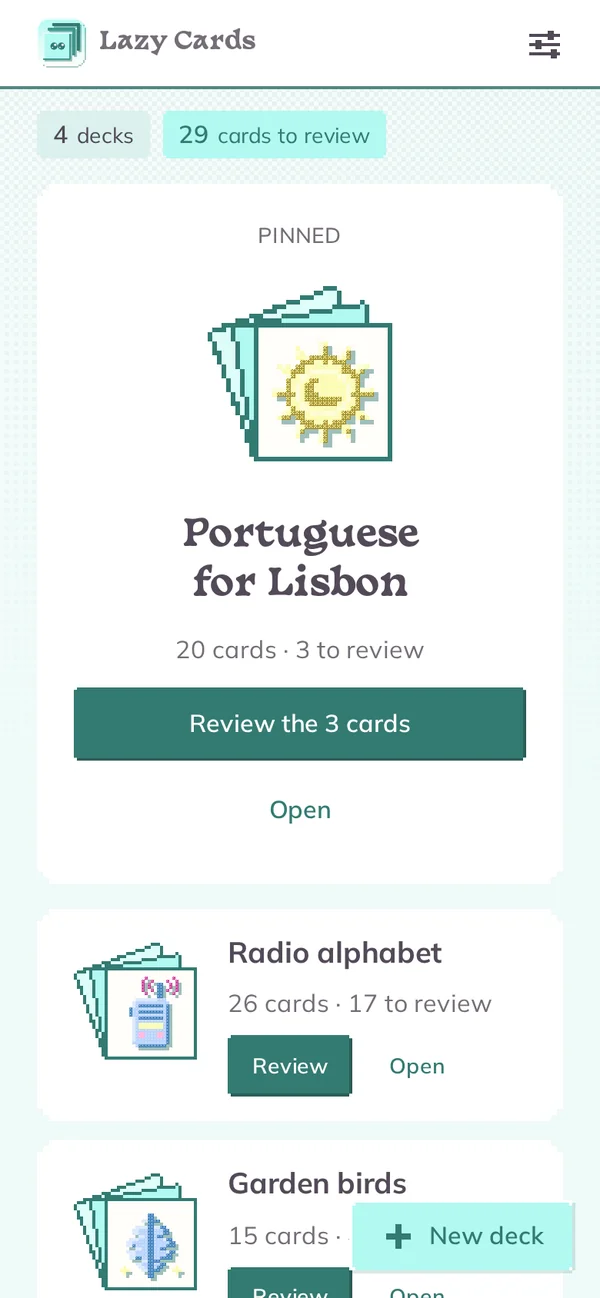
Your decks -
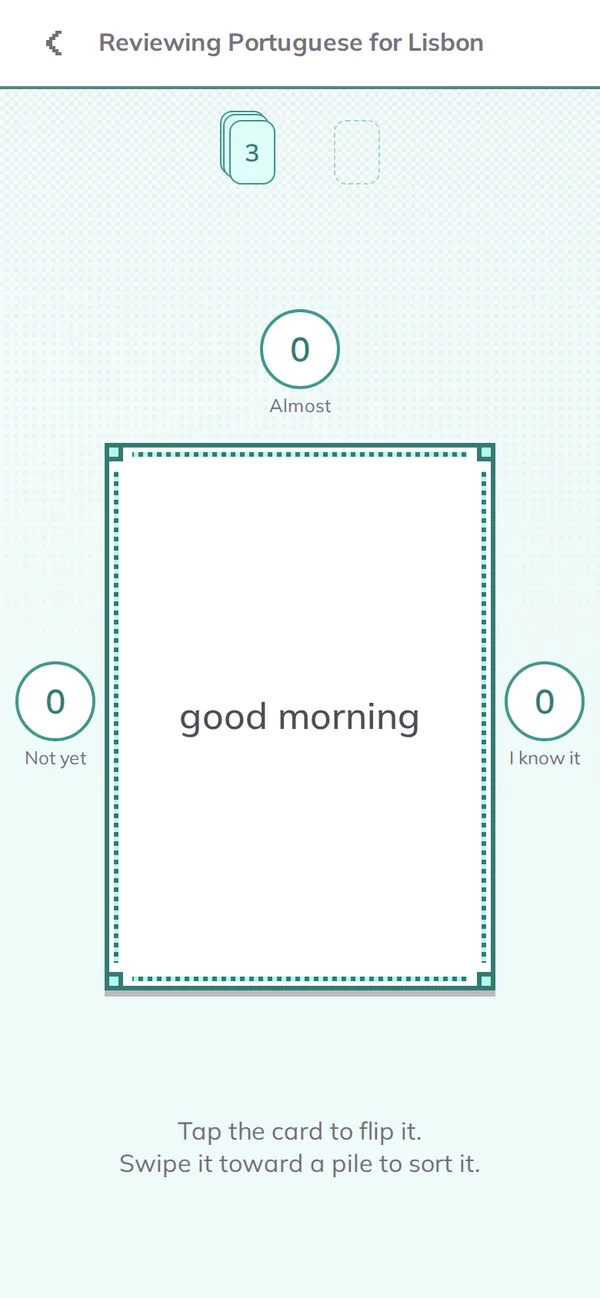
Flip, then sort -
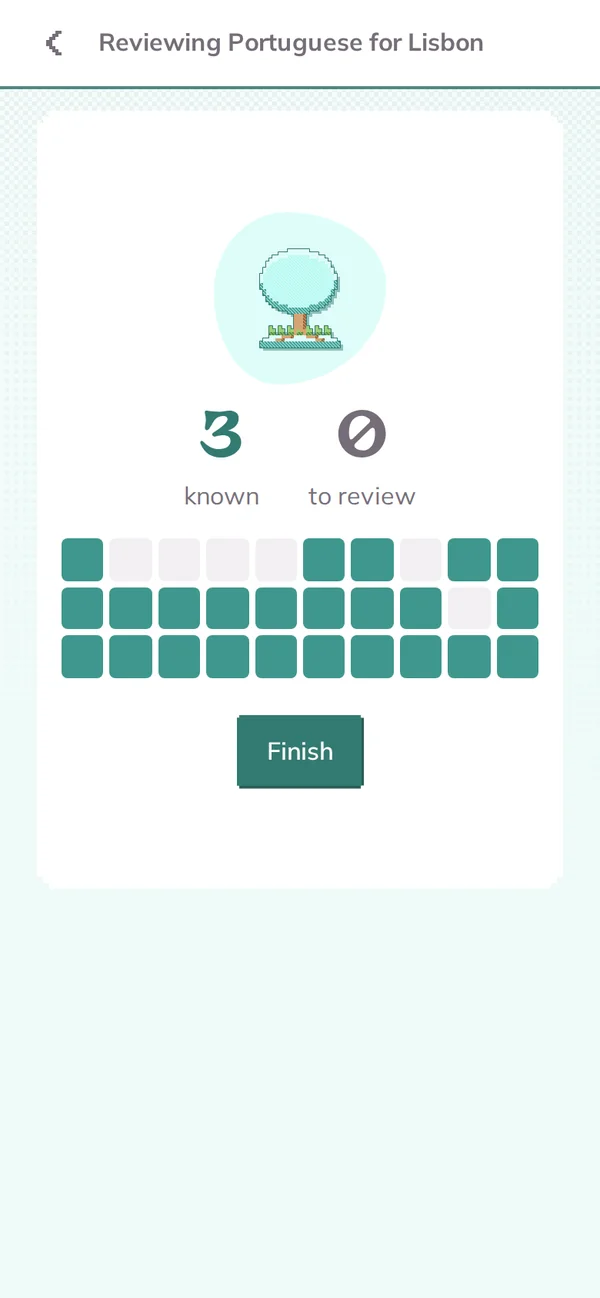
The end of a session -
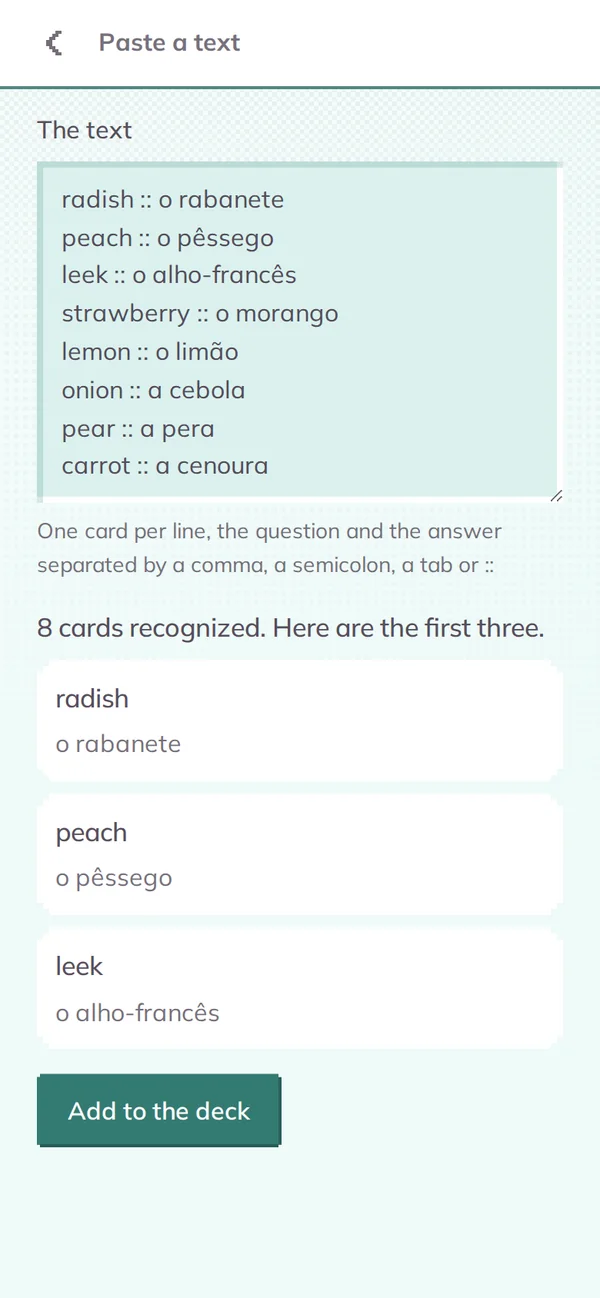
Pasted text, recognized on its own -
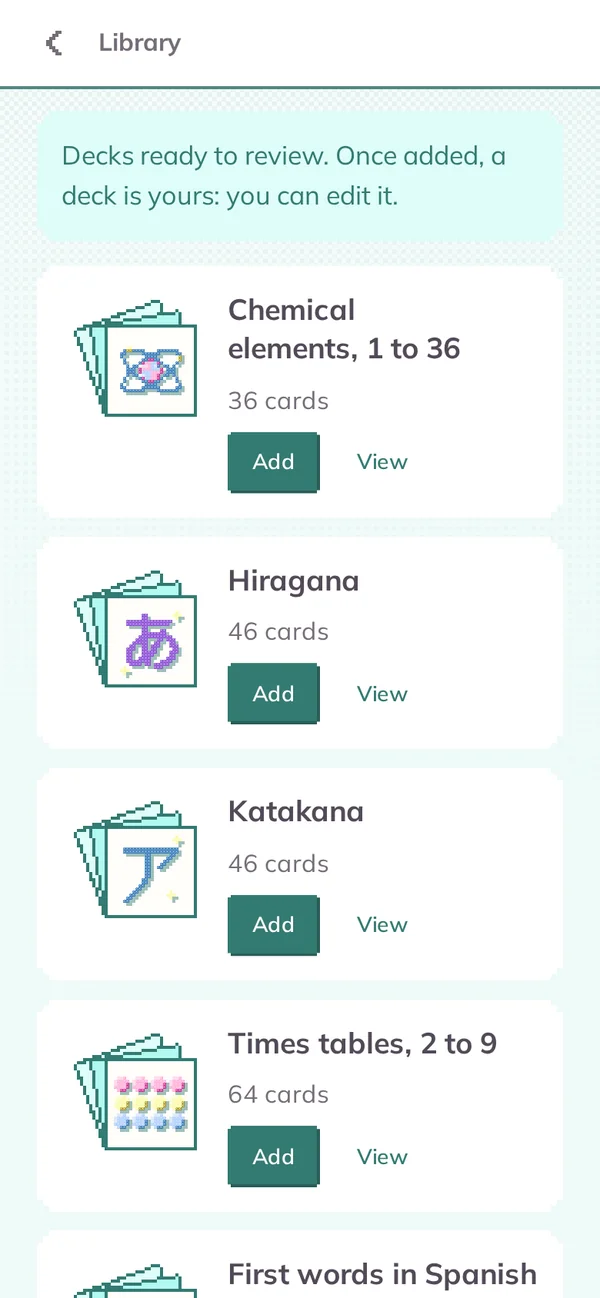
Ready-made decks
What it knows about you
Nothing. There is no account, no server, no artificial intelligence, no tracker and no advertising. Your decks are stored on the phone and only leave it if you export them yourself: the studio cannot know what you write in them, or even whether you use the app. Only Google Play knows that the app was installed, as with any app from the store. The details are in the privacy policy, which is in French for now.
Frequently asked questions
Does it replace Anki?
No. Anki is more complete and will stay more complete. Lazy Cards is made for the people Anki discourages.
Do I have to create an account?
No. There is no account in Lazy Cards, and there never will be.
How do I add a lot of cards at once?
You import a file or paste your text, and the app works out the shape on its own: a CSV from a spreadsheet, a markdown table or list, or one card per line, with the question and the answer separated by a comma, a semicolon, a tab or « :: ».
Are there ready-made decks?
Yes. The app's library offers decks to add in one step, such as the chemical elements or the hiragana. Once added, a deck is yours and can be edited like the others.
How does the app choose which cards to revise?
Each card you know moves up a box and comes back later and later. A card you do not know yet comes back soon. You set no delay: you only choose whether a deck is gentle, normal or demanding.
Does it work without internet?
Yes, entirely. The app never needs a connection.
Is there an iPhone version?
No, Lazy Cards only exists on Android.
The studio's other apps
Lazy Cards is one of the Lazy Mind apps. Each has its own subject, and all of them work with no account and no tracking. See also Lazy Note and Lazy Draw, or all the Lazy Mind apps.